
0

Showing 4 of 4 results

In collaboration with Ian Mankin

Bowland

PT/20/OB

New AUGMENTED REALITY feature

View in your space

View in your space on your phone with our Augmented Reality feature

Try now

Bowland In collaboration with Ian Mankin

PT/20/OB

Features

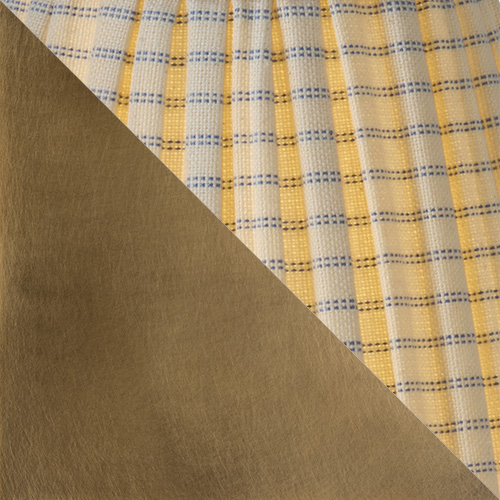
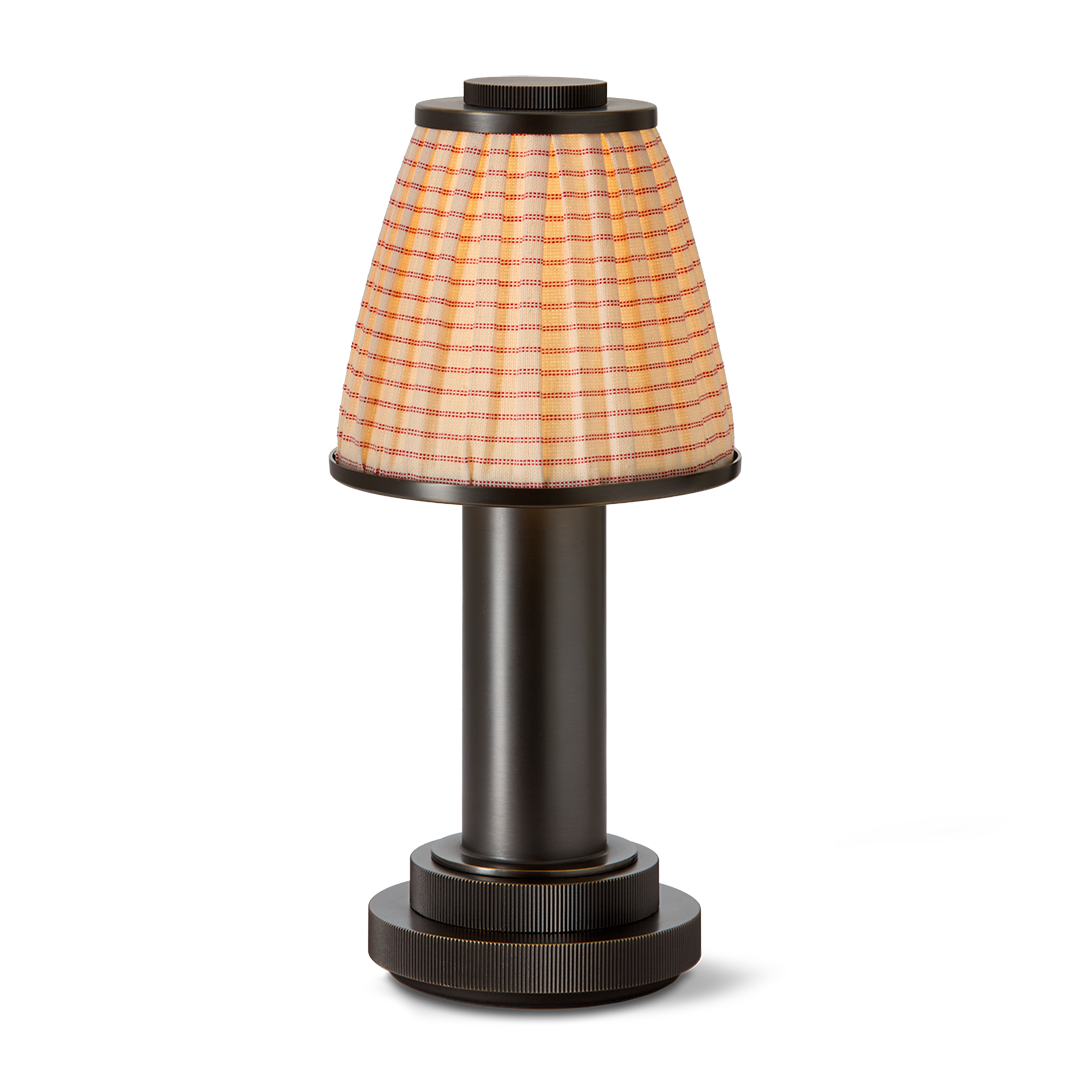
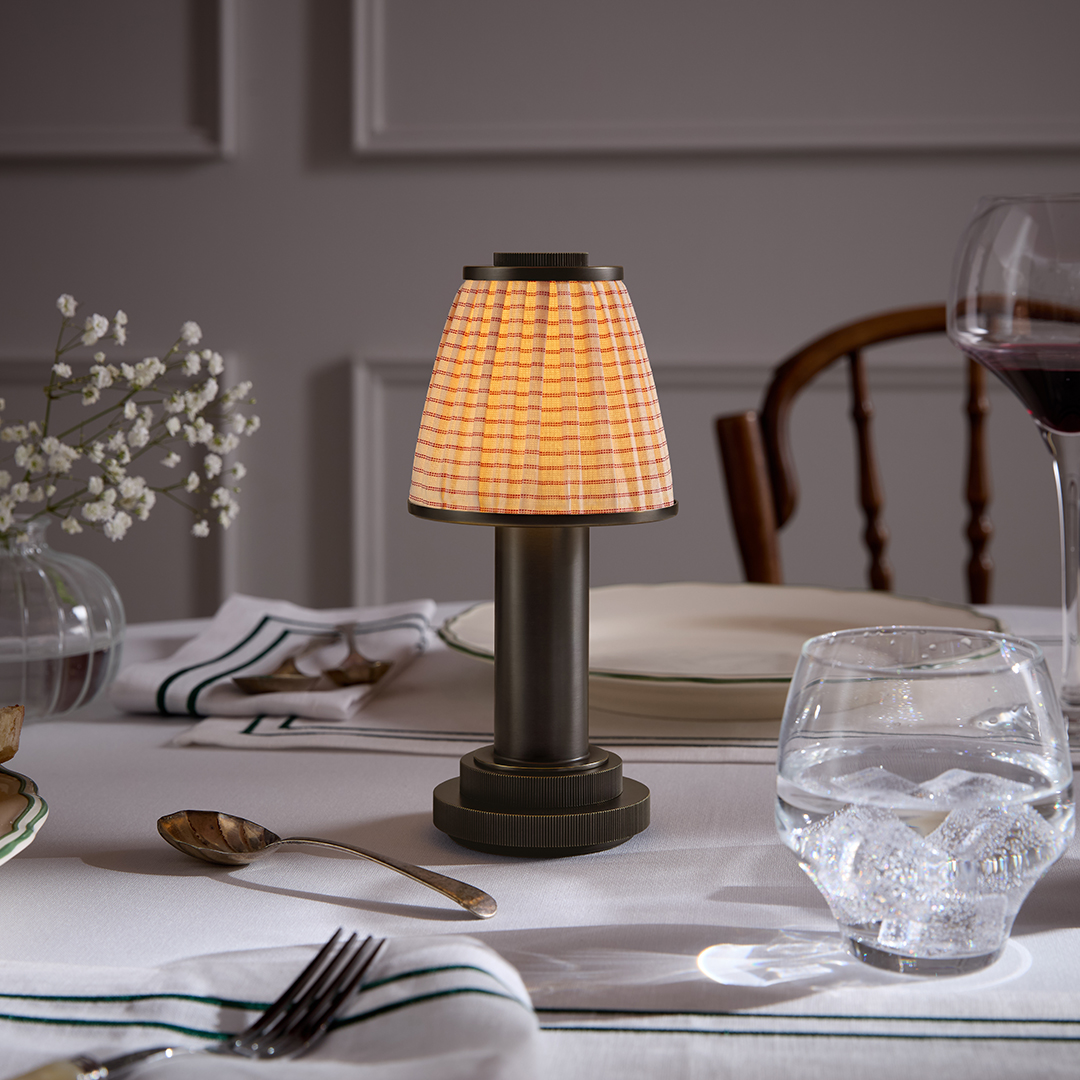
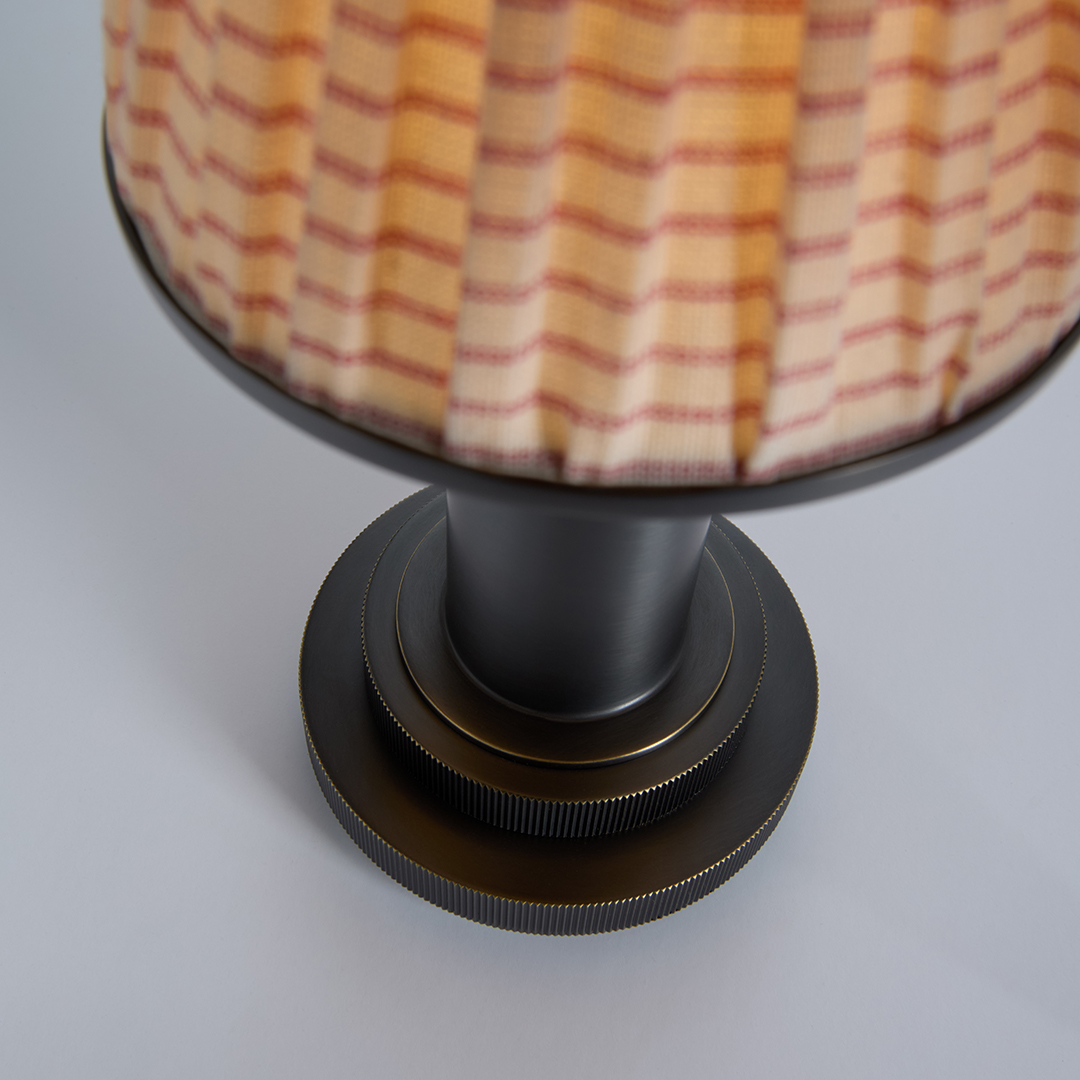
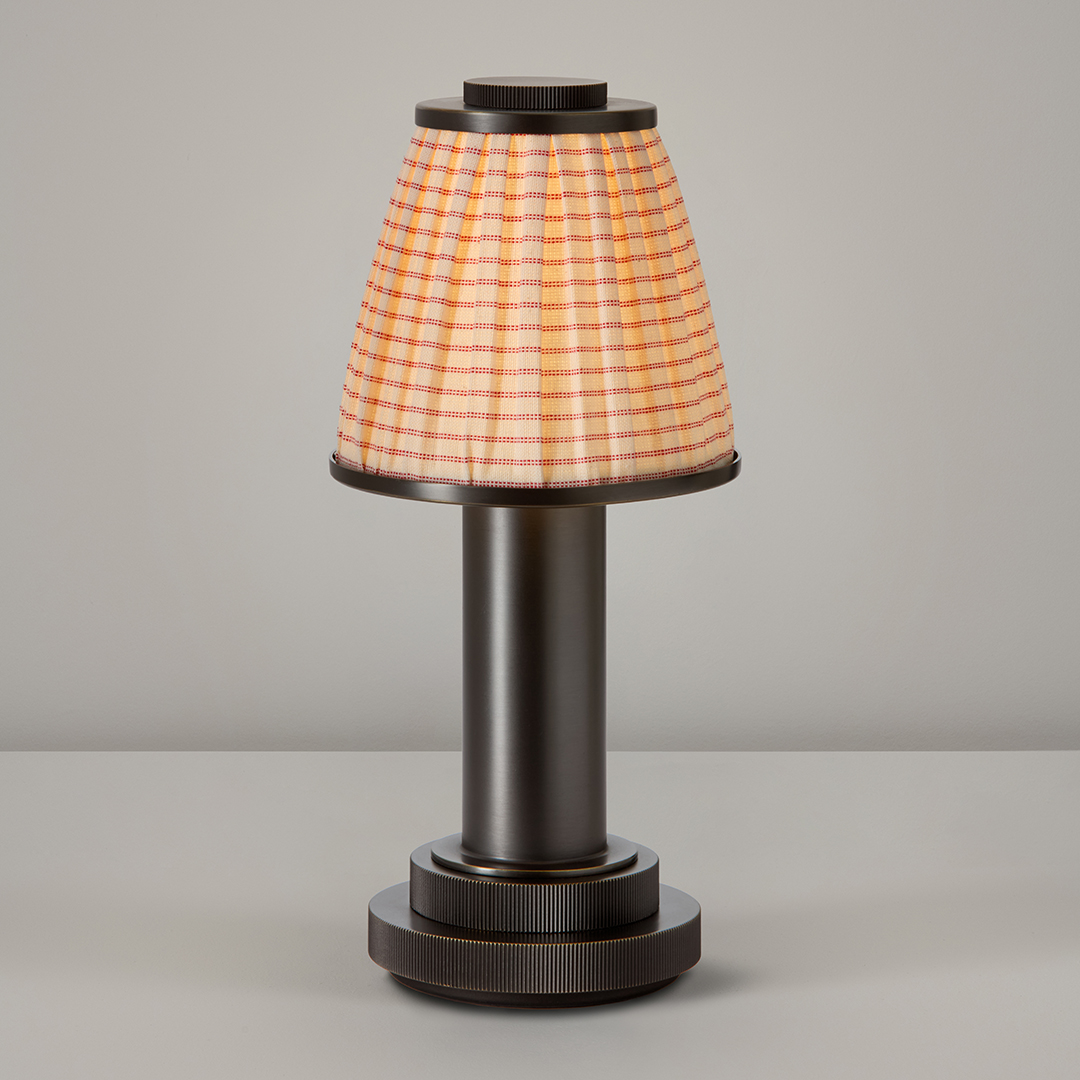
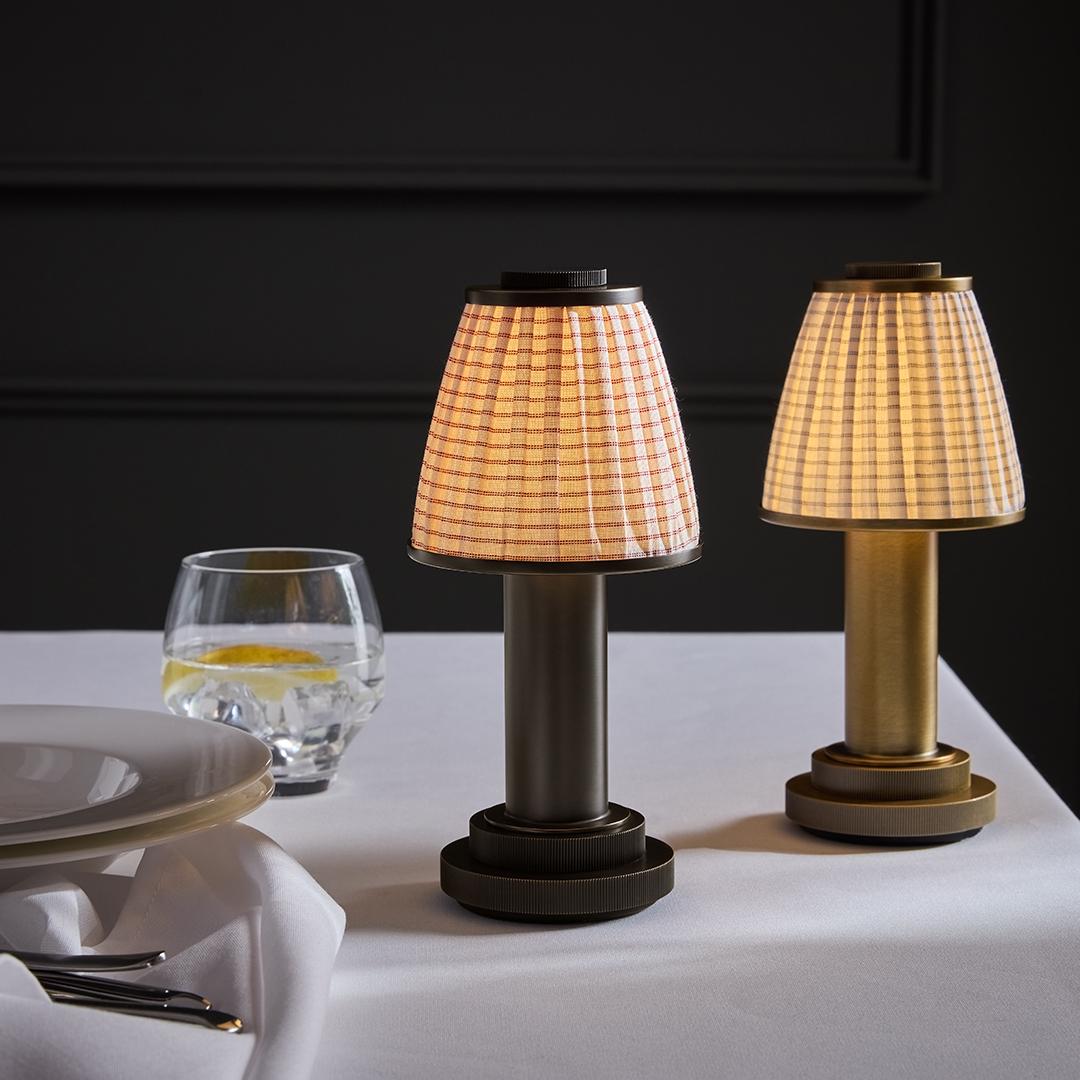
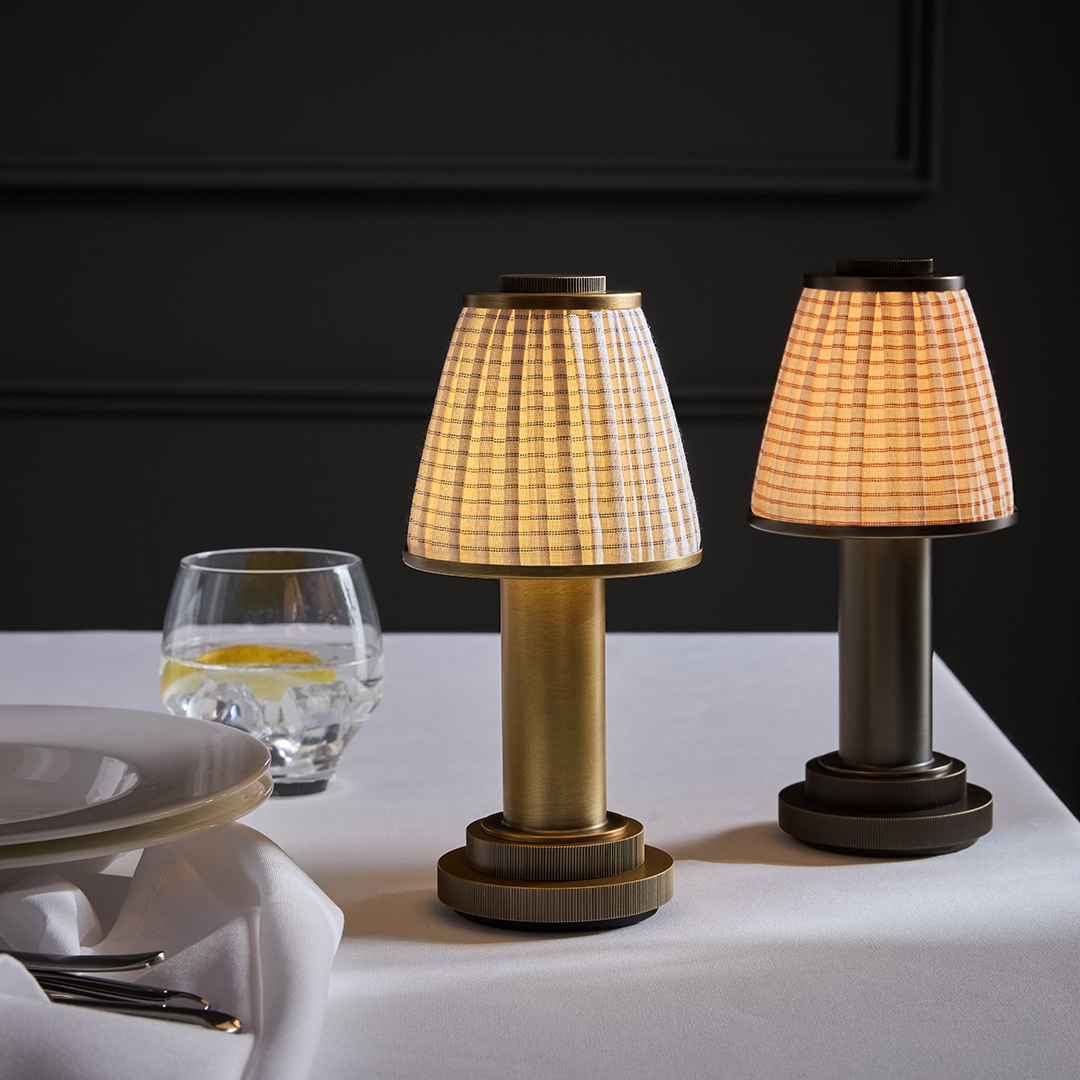
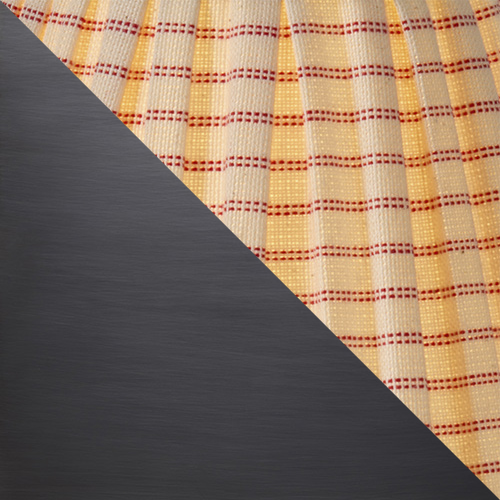
As part of the Portables collection, Chelsom is thrilled to collaborate with heritage textile brand Ian Mankin. This BOWLAND portable table lamp in Oil Rubbed Bronze combines a timeless lamp design and cutting-edge lighting technology with a loosely pleated shade in Ian Mankin signature Peony Lining Stripe fabric. The neutral cotton shade has delicate-coloured pinstripes which sit beautifully with one of Chelsom’s latest metal finishes, bringing a refined ambience to portable lighting. Speak to our customer service team about custom shade fabric requirements. THIS MODEL IS PRICED AND COMES COMPLETE WITH SHADE AS SHOWN. 

Finish

Oil Rubbed Bronze (OB) with Pleated Peony Lining Stripe
Certifications

CE
UKCA
Not Approved
IP Rating

Dimensions

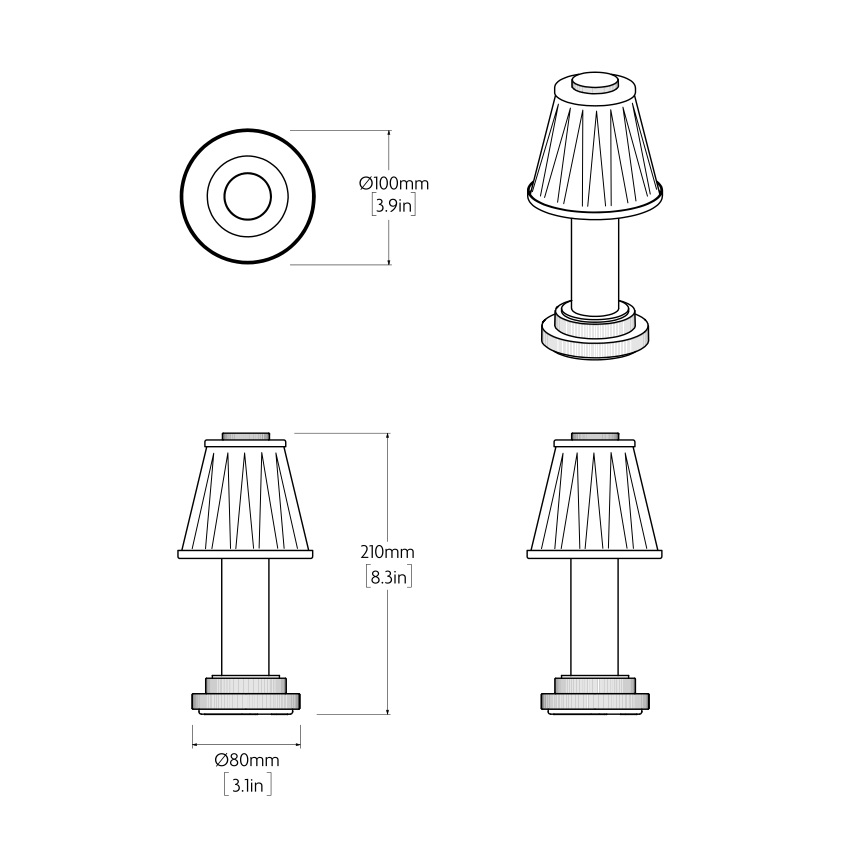
Height 210mm / 8.3in
Depth 100mm / 3.9in
Base - Diameter 80mm / 3.1in
Weight 0.6kg / 1.32lb

Technical Data

Material Steel and Fabric
Integral Light Source

Integral LED 2W 2700K

Dimmable as standard Yes
Dimming Type 4-step (15%/25%/50%/100%)
CE Yes
UKCA Yes
UL Approved For UL please enquire
Insulation Rating Class III
IP Rating IP44
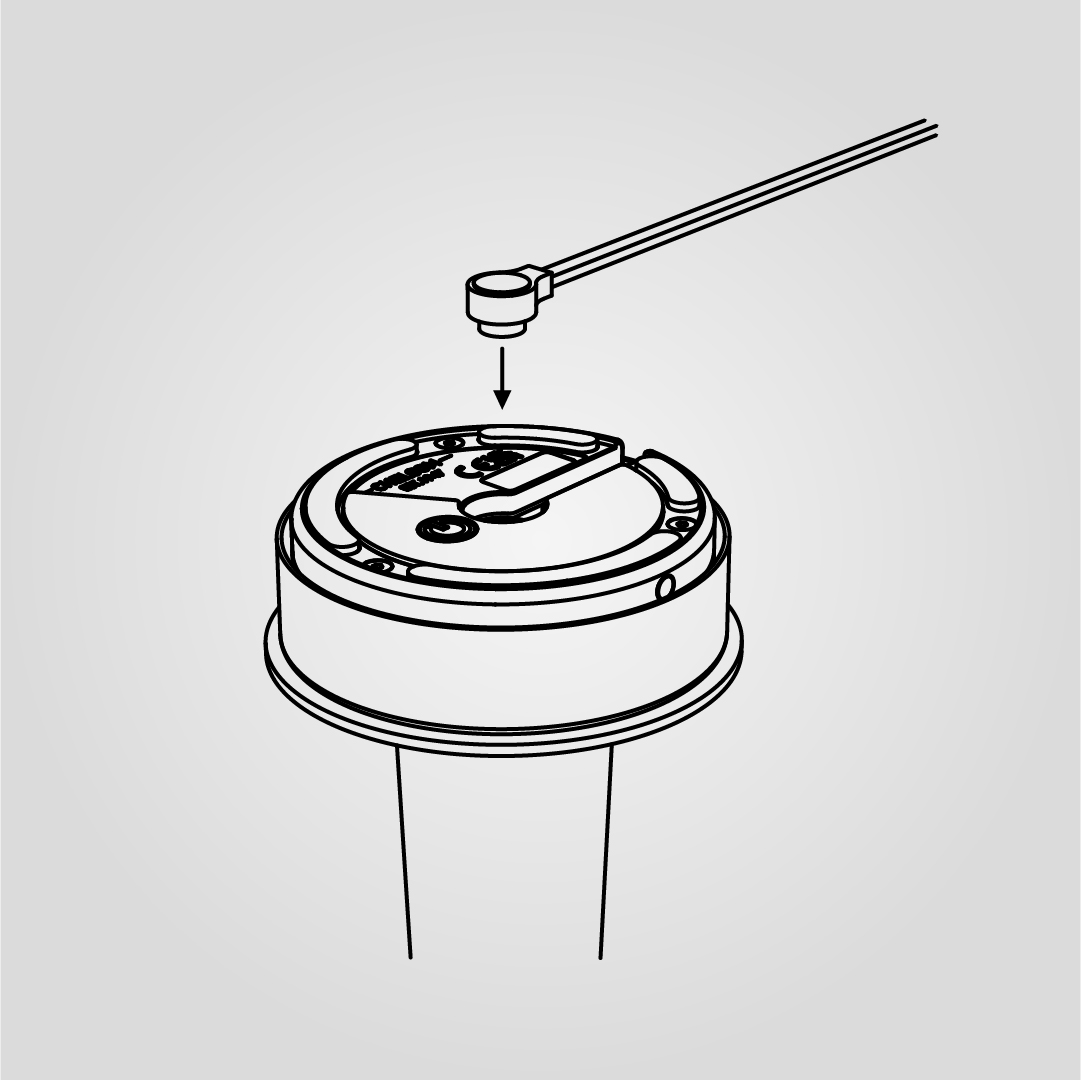
Charging Cable Specification Removable Magnetic DC Pin to USB-C
Charging Cable Type Black Plastic
Cable Length 2000mm / 78.7in
Switch Type Momentary Push Switch
Recommended Input USB-C Outlet 5V / 3A (15W)
Battery Specifications 5000mAh 3.7V
Total Charge Time (0-100%) Approximately 2-5 Hours
Total Illumination Time 8 Hours @ 100%
90 Hours @ 15%

Charging Accessories

USB-C CHARGING CABLE
USB-C CHARGING CABLE

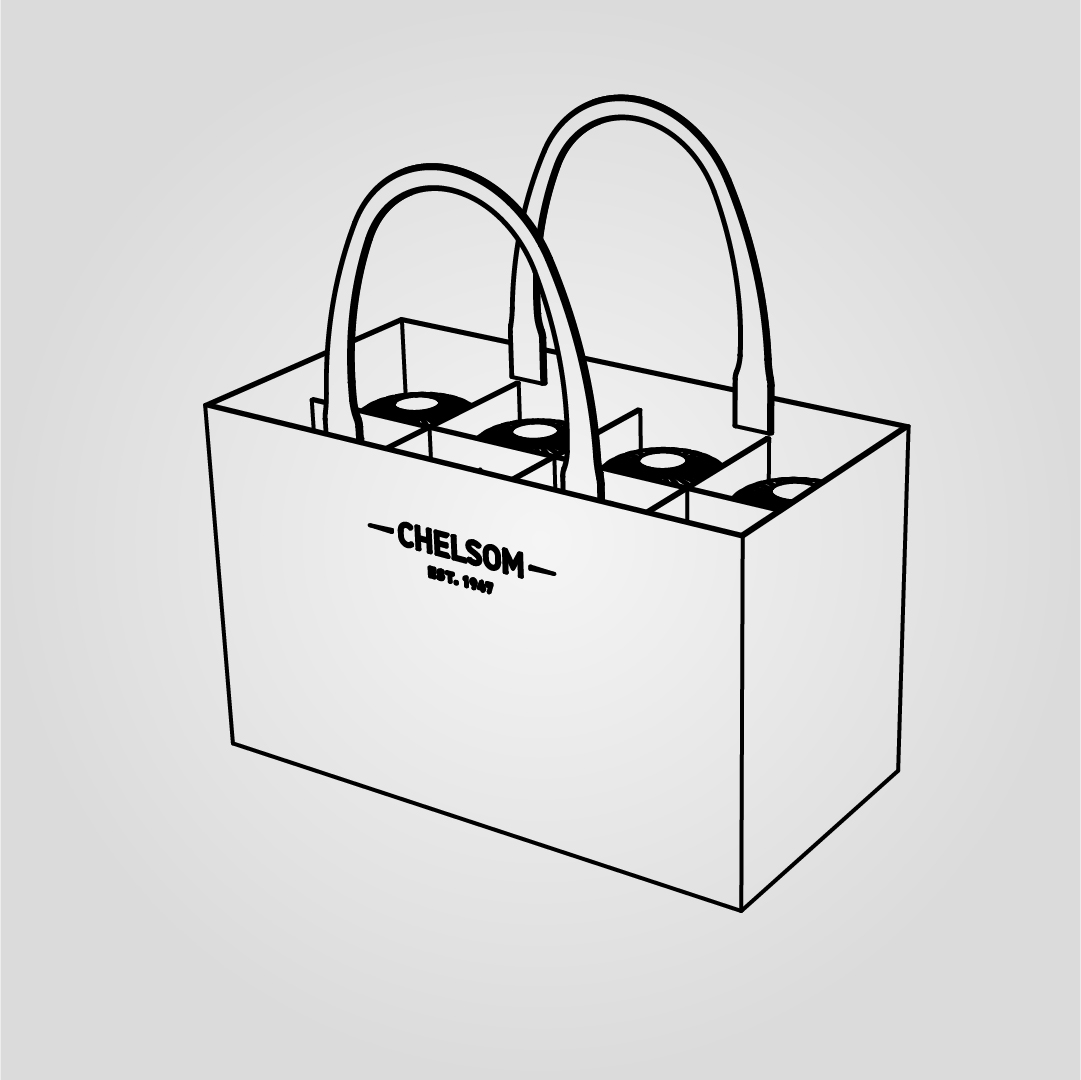
8 LAMP TOTE BAG
8 LAMP TOTE BAG

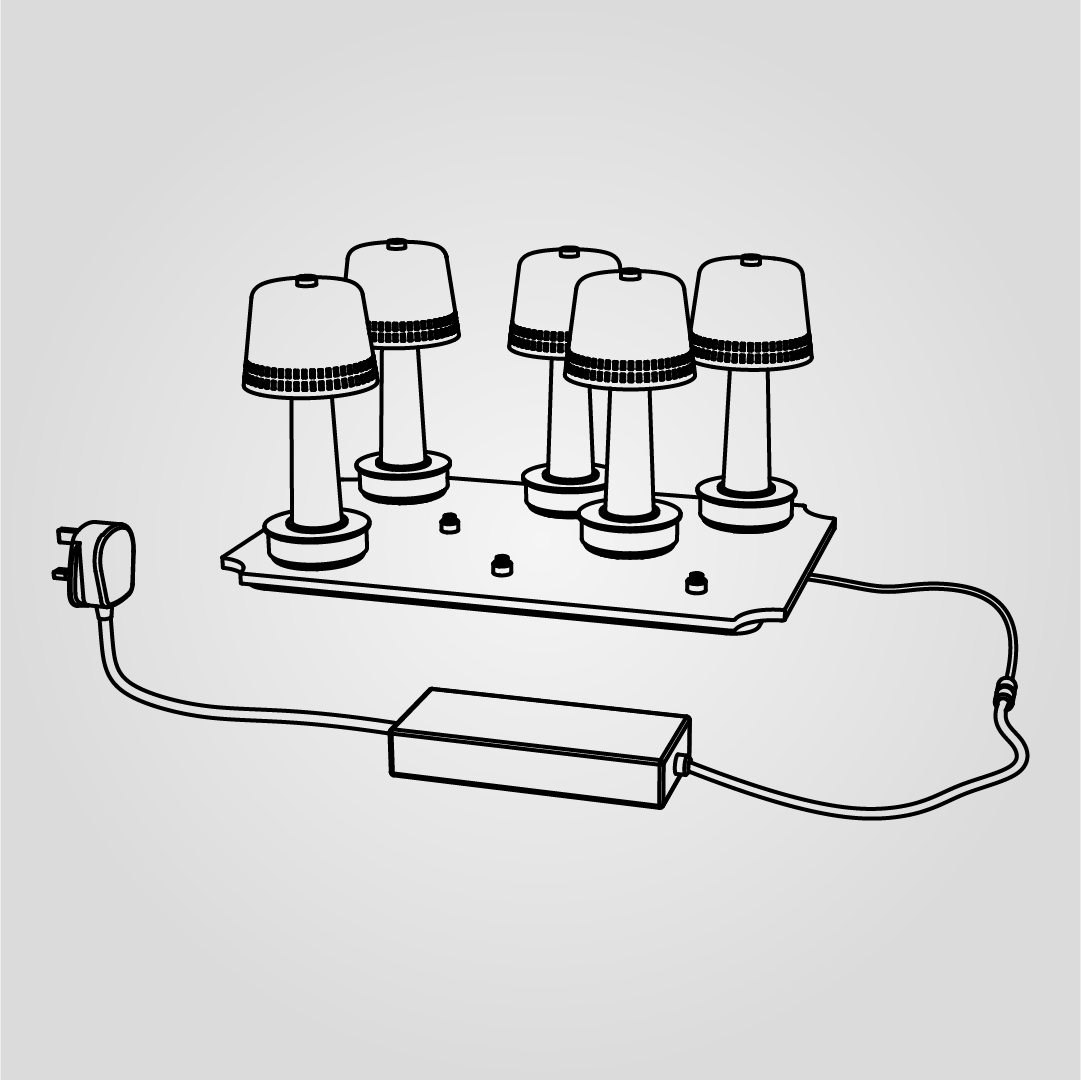
CHARGING TRAY

CHARGING TRAY

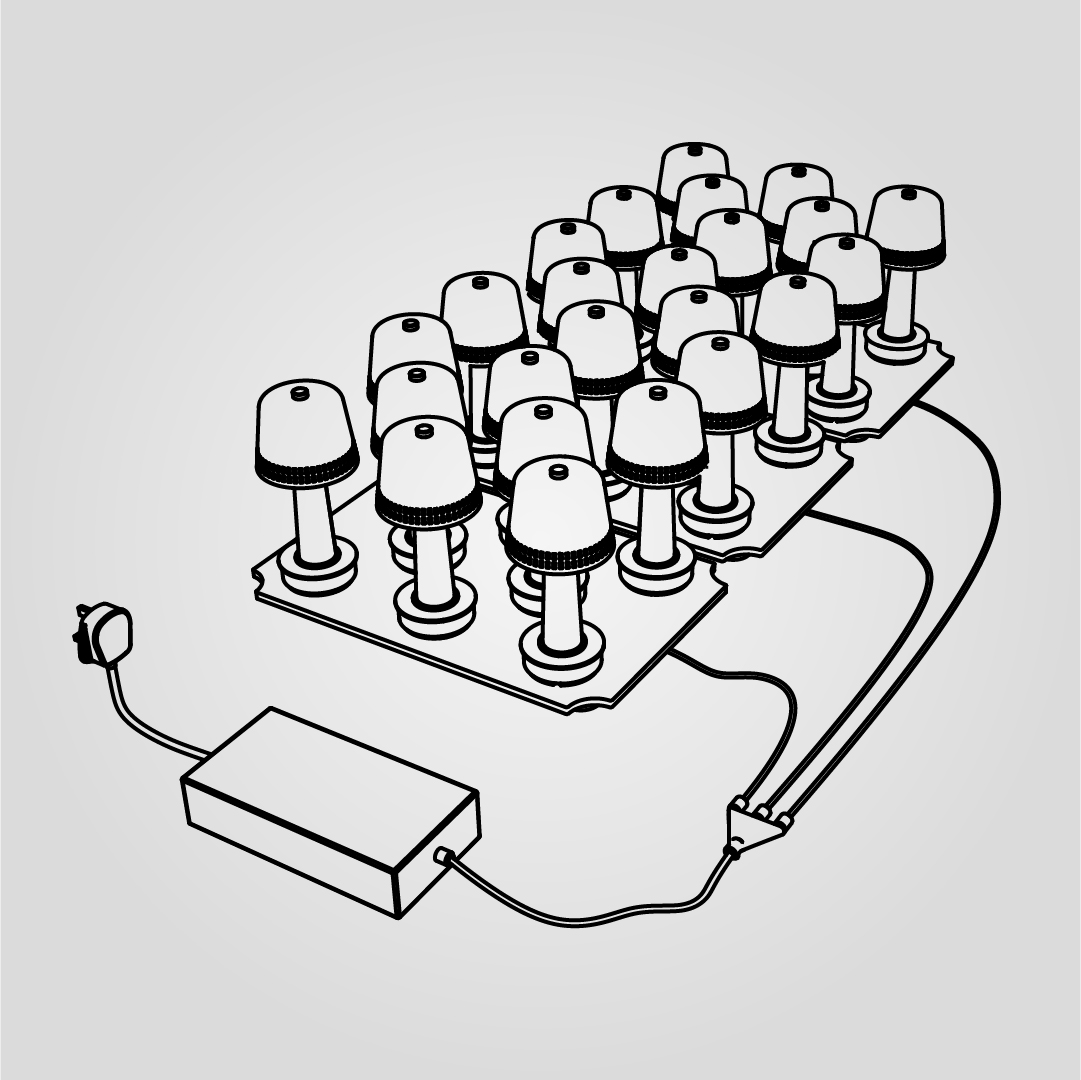
CHARGING SYSTEM

CHARGING SYSTEM

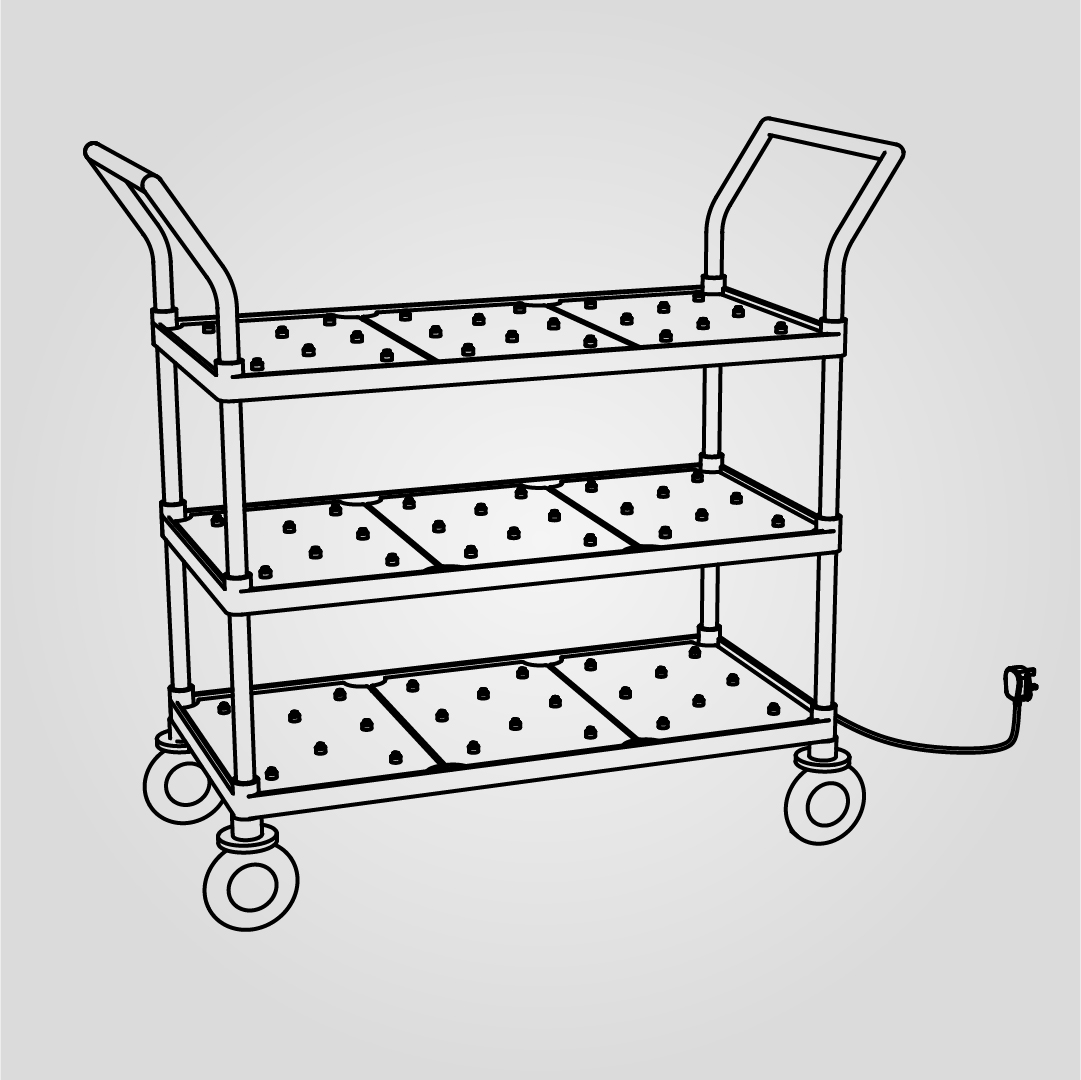
CHARGING TROLLEY

CHARGING TROLLEY

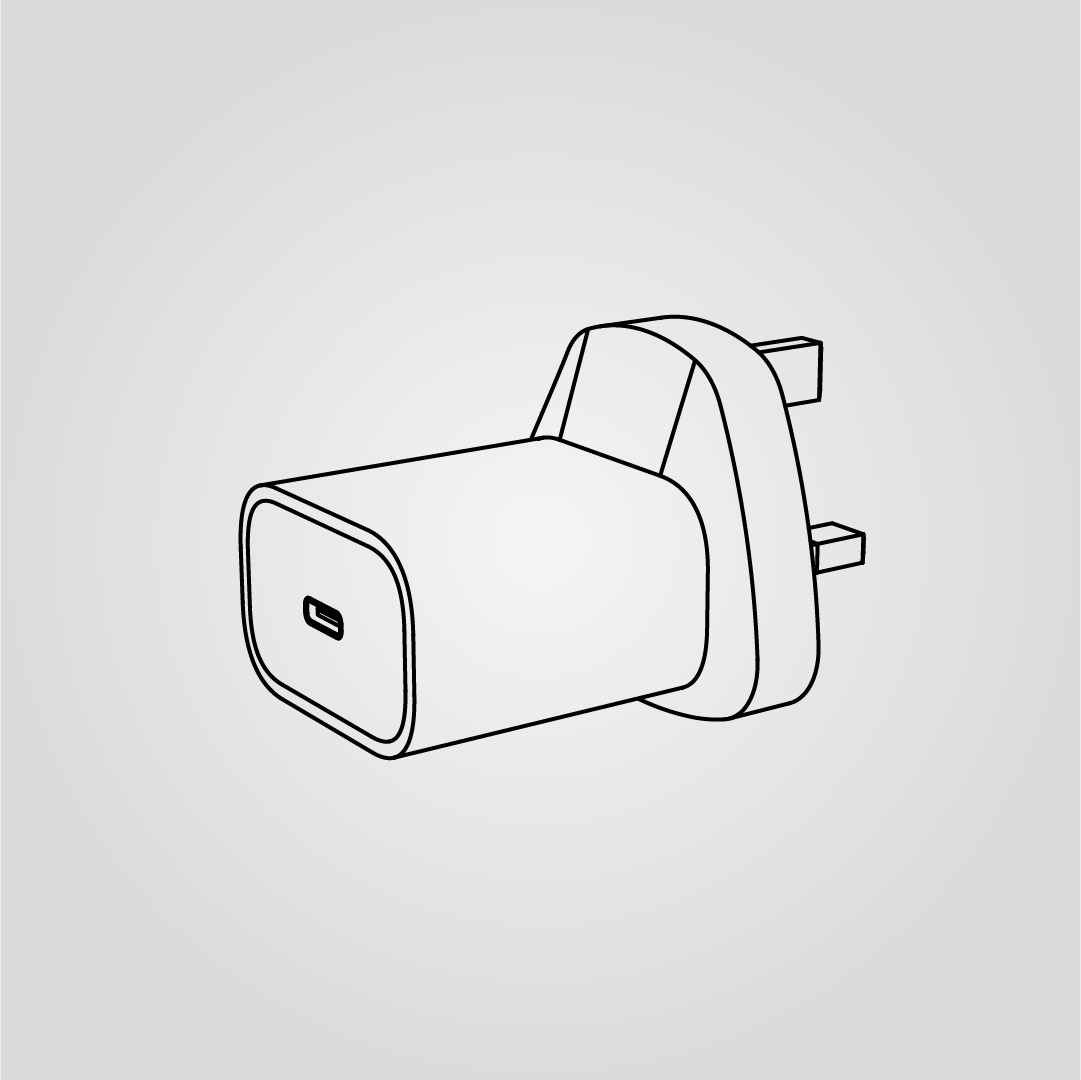
USB-C POWER ADAPTOR

USB-C POWER ADAPTOR

You may also be interested in

New AUGMENTED REALITY feature

View in your space

View in your space on your phone with our Augmented Reality feature.

Please note this functionality varies between Android and iOS devices.

After scanning the QR code, click the AR Icon button to activate the AR feature.

Follow the on-screen instructions and allow the device to calibrate the visual whilst scaling to your environment.

Repositioning can be achieved by dragging the item across your screen and attaching to surfaces in your space.

Scan to view in AR