
Custom Brooklyn
BK/12/P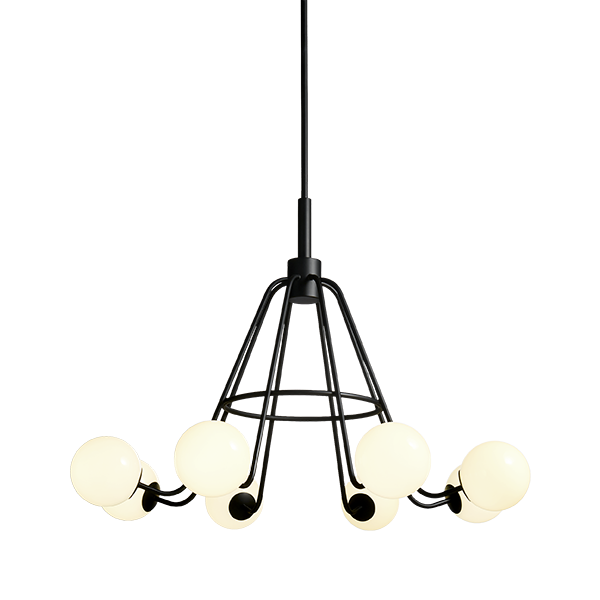
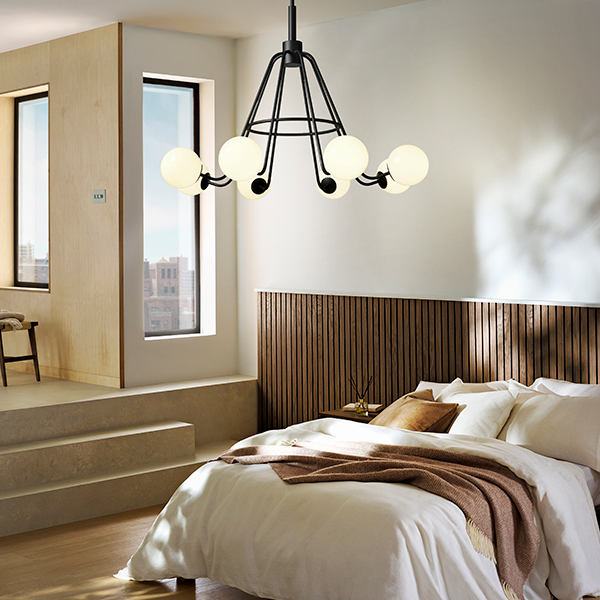
Custom Brooklyn
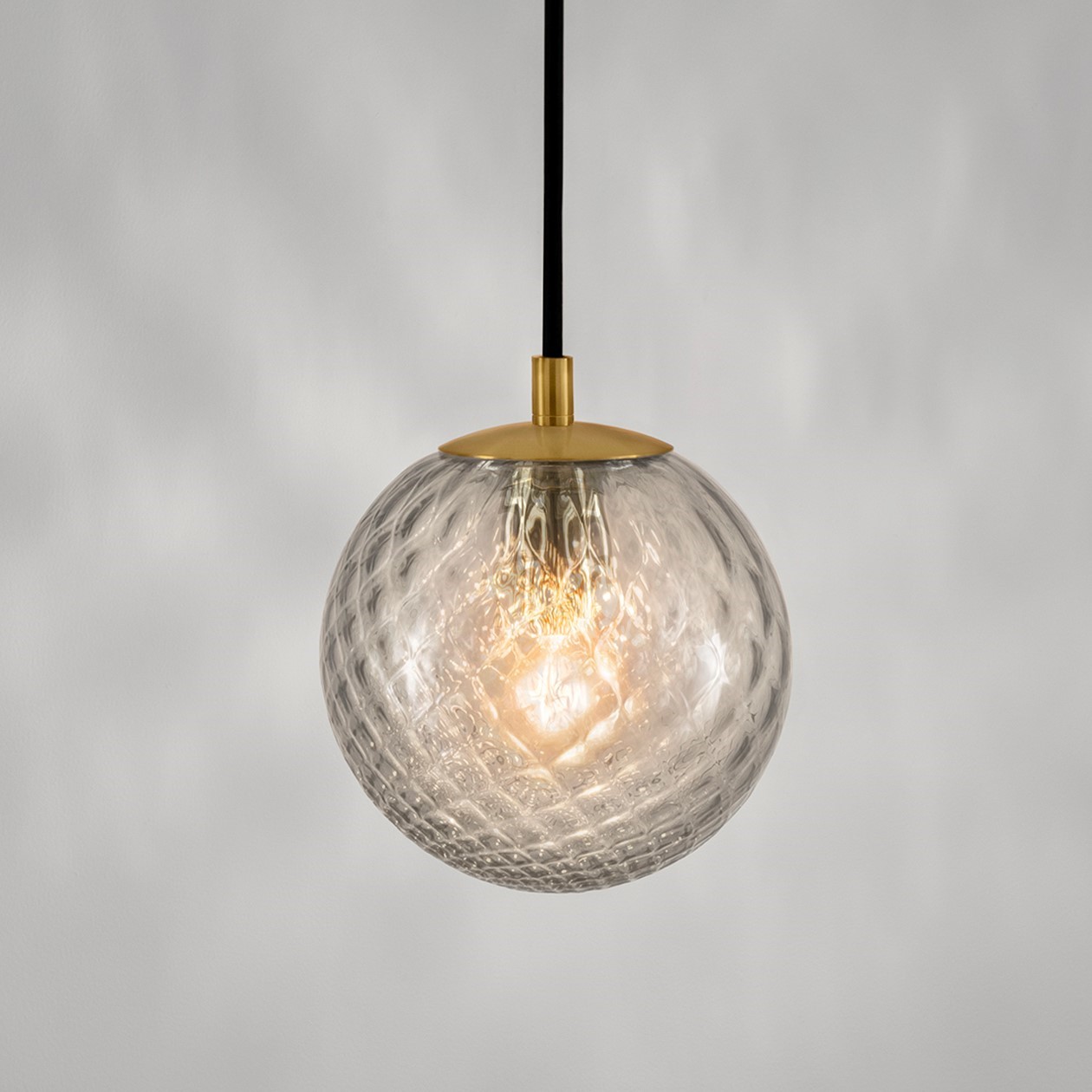
BK/12/P WITH OPTIONAL SHADE 8 x 150mm Globe - Gloss CreamFeatures
Finish
Satin Black with Gloss Cream Glass


Certifications



Customisation
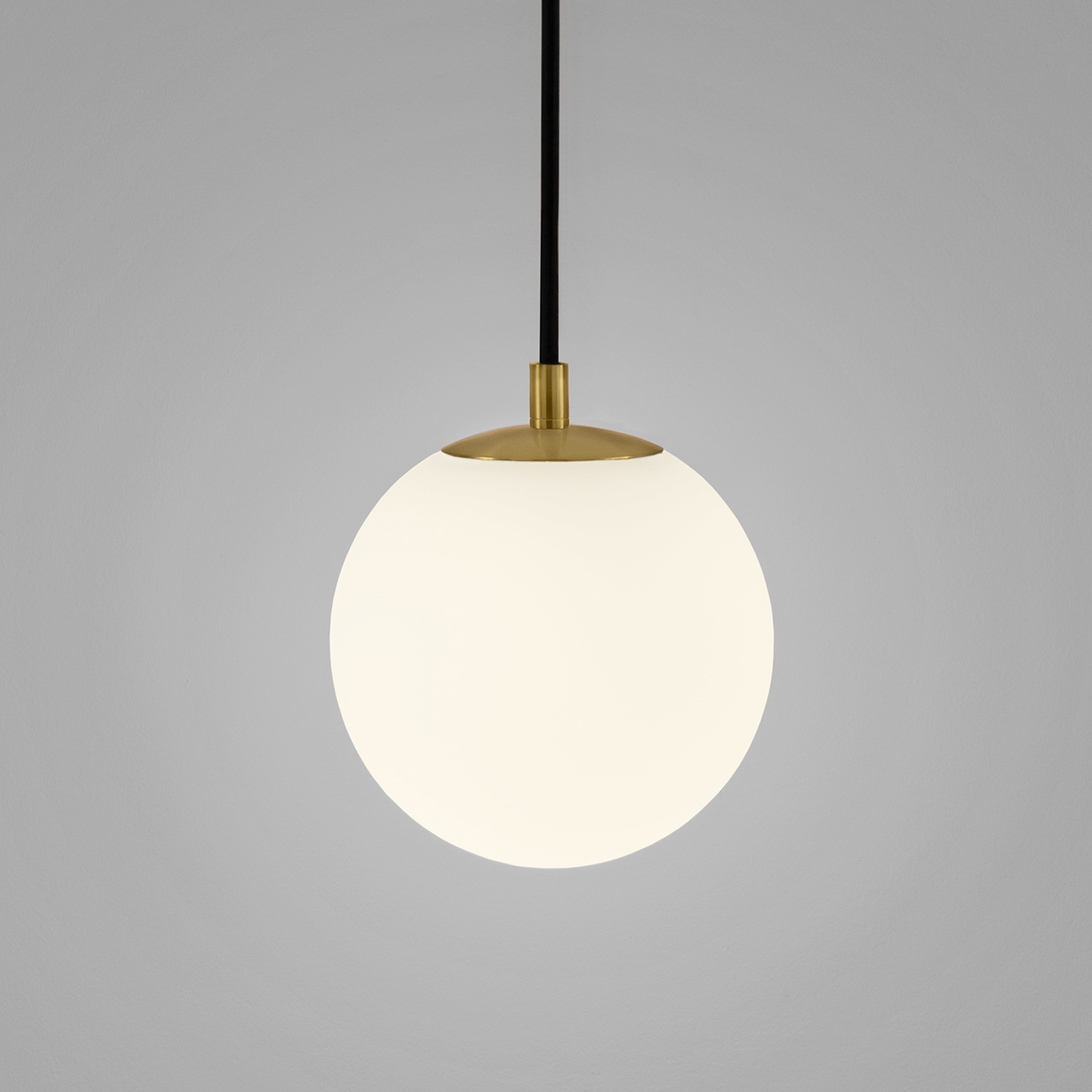
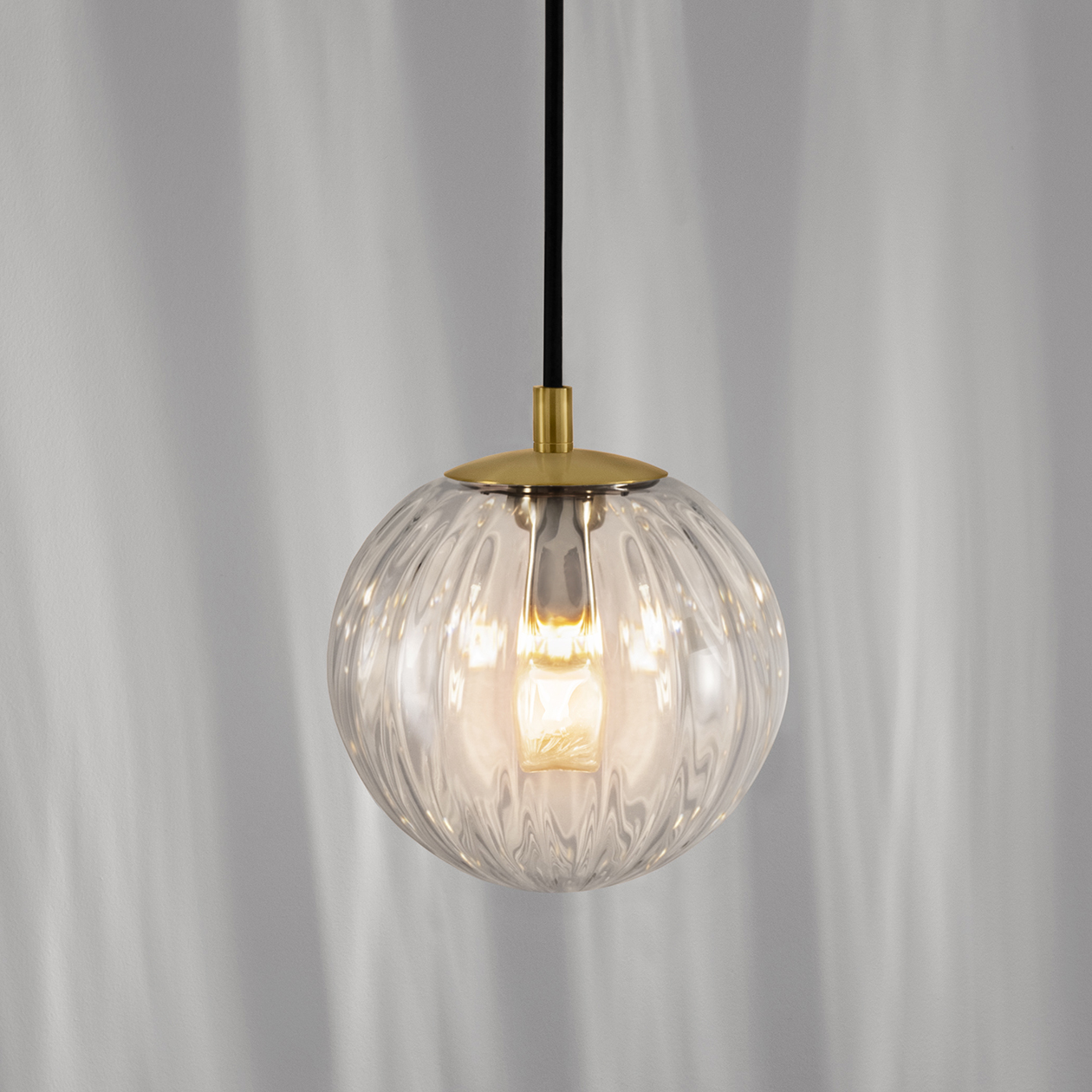
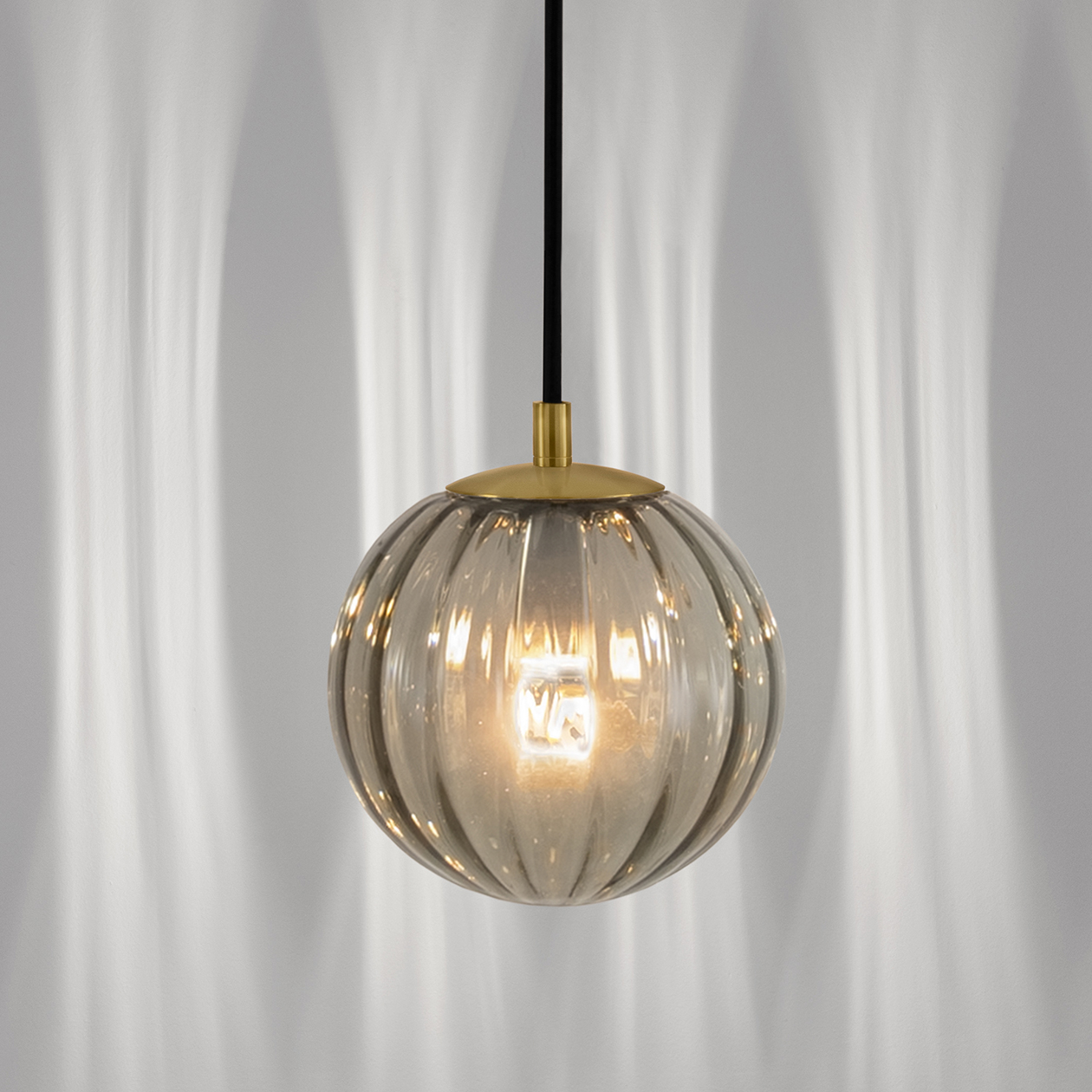
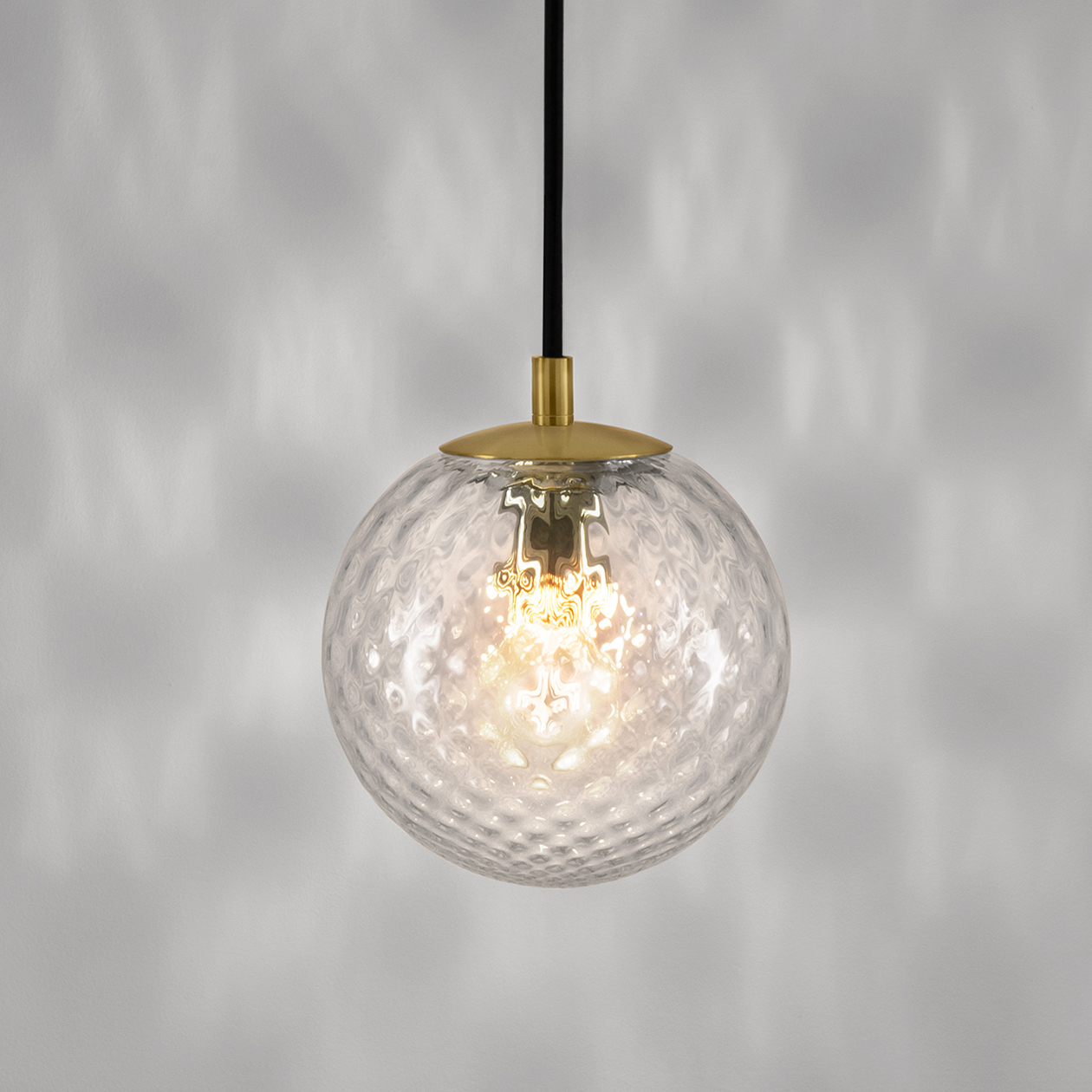
Custom Brooklyn is a core design proposal and may be specified and purchased as shown on this page. There is also the option to customise a number of different features such as finish, size, and scale as well as adding decorative accessories which may be selected from the images below. For each enquiry, our design and engineering teams will prepare tailored drawings for sign off and approval. There is immense flexibility with this Made in Britain design so speak with our customer service team to create your own version.
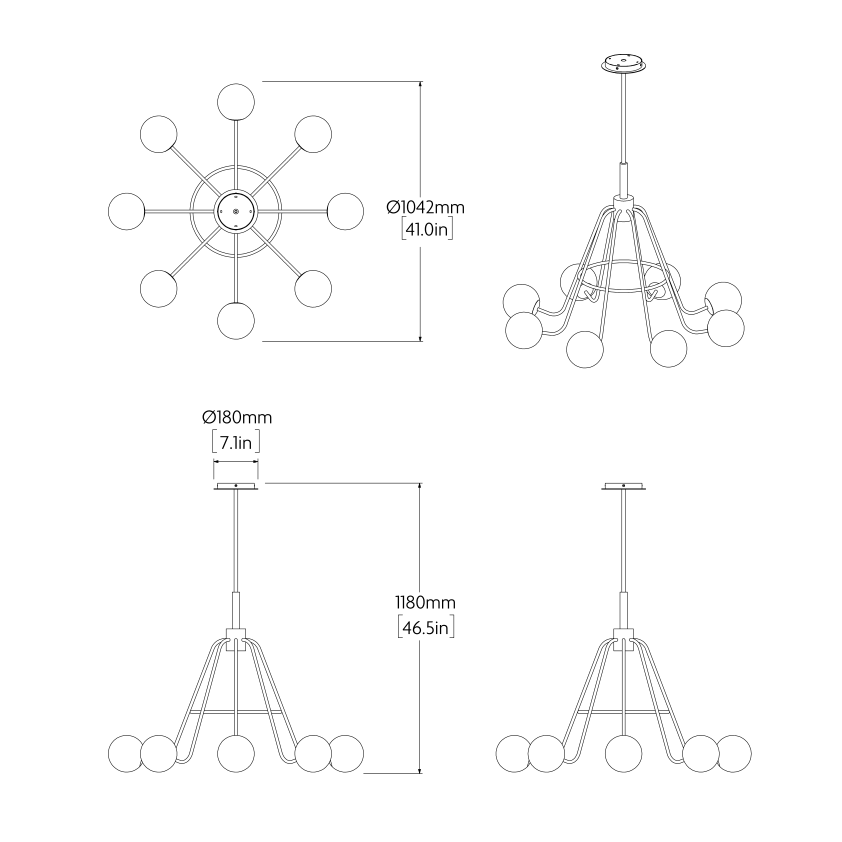
Dimensions
Technical Data

8 x E14/E12 4.5W 2700K
You may also be interested in
New AUGMENTED REALITY feature
View in your space
View in your space on your phone with our Augmented Reality feature.
Please note this functionality varies between Android and iOS devices.
After scanning the QR code, click the  button to activate the AR feature.
Follow the on-screen instructions and allow the device to calibrate the visual whilst scaling to your environment.
Repositioning can be achieved by dragging the item across your screen and attaching to surfaces in your space.
Scan to view in AR